

[1] On the History screen, you can check profits and losses, transaction history, and deposit/withdrawal history.
(1) Click the History button.
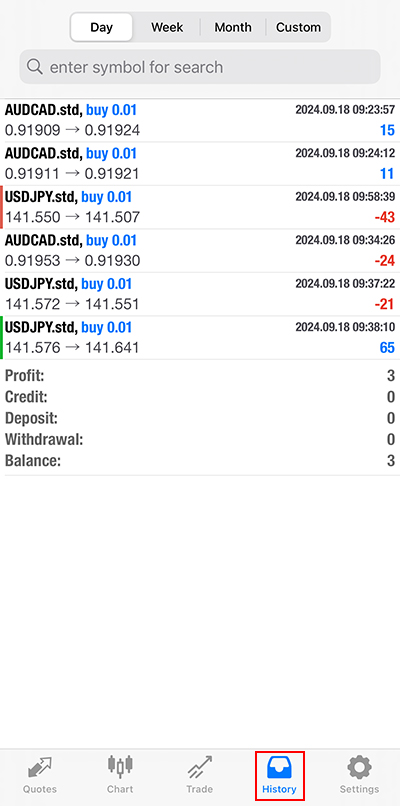
(2) Set the desired date and check the history.
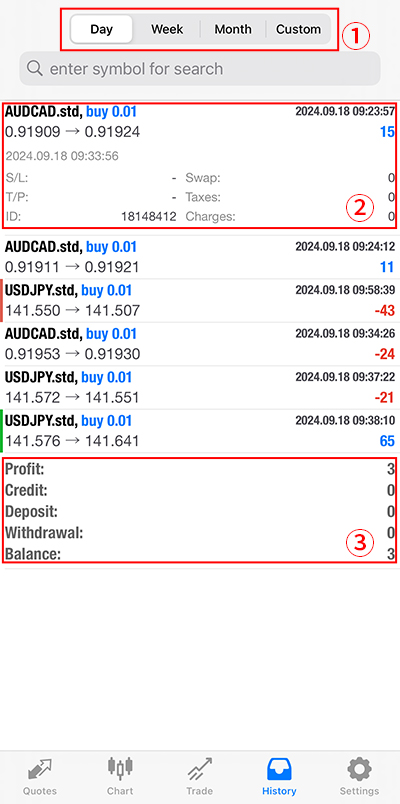
①You can select a period from one day, one week, one month, or a custom range.
②You can check settled transactions.
③You can check settled profit and loss, credit, margin, withdrawal, and balance.